Relight: Better Lighting in Seconds
Learn how to use the relighting tool to enhance photos with perfect lighting - from brightening dark rooms to creating cozy evening ambiance.
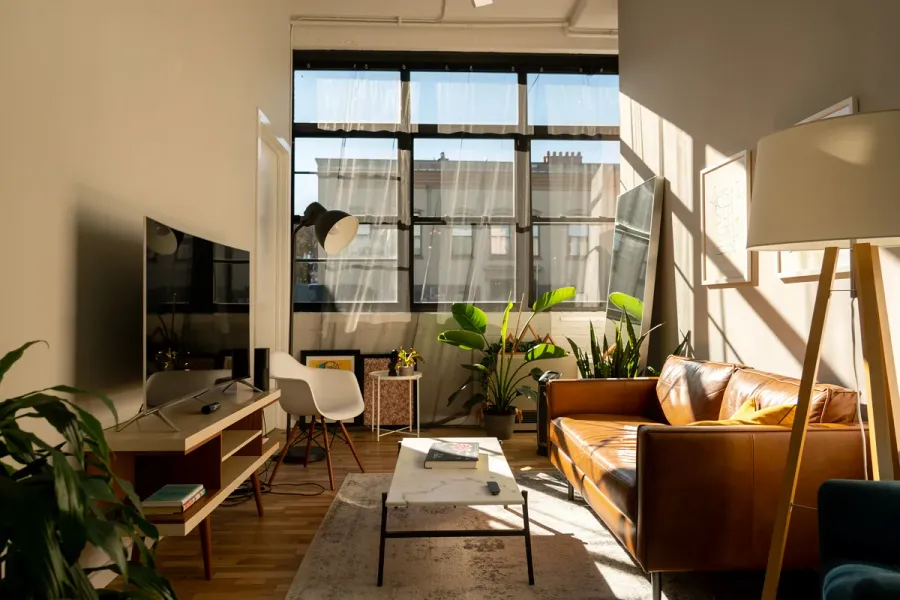
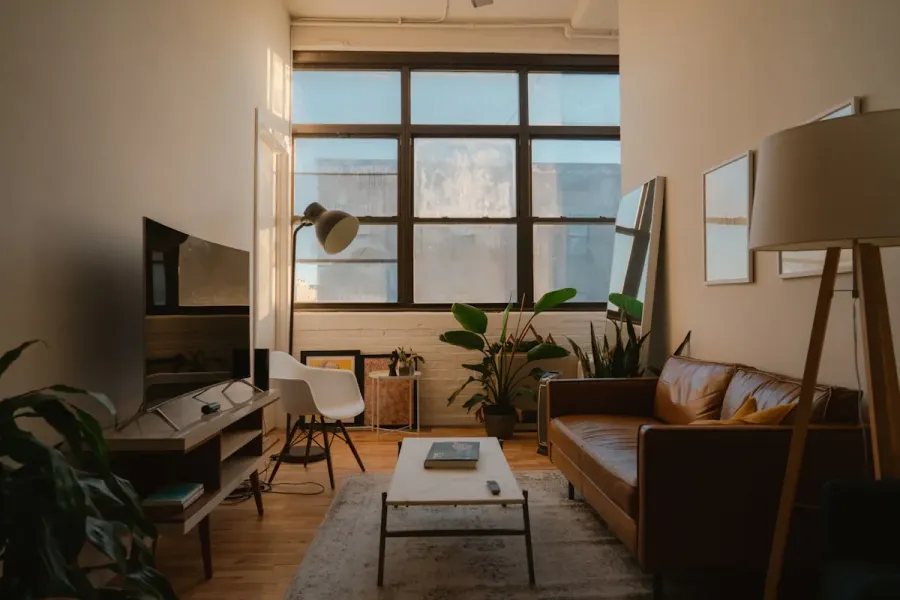
Relight: Better Lighting in Seconds
Why Lighting Makes or Breaks a Listing
A dark photo is the number one reason buyers skip a listing. Even a spacious, beautiful interior looks uninviting when it's poorly lit. The problem is you can't always control lighting conditions - overcast days, small windows, or evening shoots are a reality of real estate photography.
The Relight feature changes the game. It doesn't just brighten the image - it changes the character of the lighting, the time of day, and creates an atmosphere that sells. All in seconds, without re-shooting.
How the Relight Workflow Works
Relighting in vizme is different from a simple brightness slider. The tool understands the 3D structure of the room and adjusts light in a physically realistic way.
- Upload your image - Any interior photo, even dark and underexposed.
- Choose a lighting preset - 6 ready-made modes (details below) or customize settings manually.
- Fine-tune parameters - Adjust color temperature (warm, neutral, cool) and light source type.
- Generate - The photo is processed in seconds, preserving architecture and furniture.
Lighting Presets
Relight offers 6 presets covering the most common needs in real estate photography:
- Bright & Airy - Naturally increases light levels across the entire room. Ideal when the photo is simply too dark. This is the preset you'll use most often.
- Window Light - Adds soft, directional daylight as if more sunlight were streaming through the windows. Great for rooms with small windows or north-facing exposure.
- Golden Hour - Warm, golden sunset glow through the windows. Adds warmth and coziness - perfect for living rooms, bedrooms, and dining rooms.
- Day to Dusk - Transforms a daytime shot into elegant twilight with warm interior lamps and blue skies outside. Popular in luxury real estate photography.
- Cozy Evening - Warm, low-temperature lighting like lamps and candles. Creates a relaxing atmosphere. Ideal for lifestyle shots and short-term rental listings.
- Cool & Modern - Clean, bright light with a higher color temperature. Gives a fresh, modern feel. Works well in offices, kitchens, and bathrooms.
Fine-Tune with Temperature and Light Type
If presets aren't enough, or you want to customize them, you have full control over two key parameters:
Color Temperature
Three options to match any situation:
- Warm - Golden, cozy tones. Ideal for bedrooms, living rooms, and dining areas.
- Neutral - Clean, balanced light with no color cast. A universal choice.
- Cool - Bluish, fresh tone. Works well in modern kitchens, bathrooms, and offices.
Light Source Typea
Five types, each with a distinct character:
- Tungsten - Classic warm glow of indoor lamps.
- Daylight - Clean white light like a bright, sunny day.
- Golden Hour - Warm, orange-amber sunset rays.
- Twilight - Moody warm tones with purple accents.
- Cool LED - Sharp, modern lighting with a cold tone.
You can pick a preset as a starting point and then manually adjust the temperature or light type to perfectly match the room's character.
Three Quality Levels
The tool offers three processing models, so you can choose the right balance between quality and cost:
- Recommended - Best quality-to-price ratio, works well in most situations.
- Pro - Highest quality, ideal for premium photos and marketing materials.
- Flux - Alternative rendering engine with a different visual style.
Batch Processing - Relight an Entire Session at Once
Got 10 dark photos from one session? No need to process them one by one. Batch mode lets you select up to 10 images and apply the same lighting settings to all of them at once. Perfect when an entire session suffers from the same issue - overcast weather, limited natural light, or evening timing.
When to Use Relight
- Dark session photos - Instead of re-shooting, fix the lighting in seconds.
- Overcast day shots - Add sunny light even if it was raining outside.
- Evening listings - Turn dark shots into elegant dusk scenes.
- Pre-staging prep - Brighter photos produce better results when using Staging.
- Portfolio consistency - Normalize lighting across all photos in a listing.
Tips for Better Results
- Start with a preset - If the photo is simply dark, Bright & Airy is the simplest and most effective fix.
- Golden Hour works anytime - This preset delivers results even on photos taken at noon.
- Adjust the temperature - After picking a preset, switch the temperature to warm or cool to perfectly match the room's vibe.
- Combine with other tools - After relighting, use Declutter to remove clutter.
- Batch your session - Select up to 10 photos and relight them all at once with the same settings.
Try Relight
Upload a dark interior photo and see the room's atmosphere transform in seconds. Sign up for free to get started.
Related Workflow
Relight
More from the blog
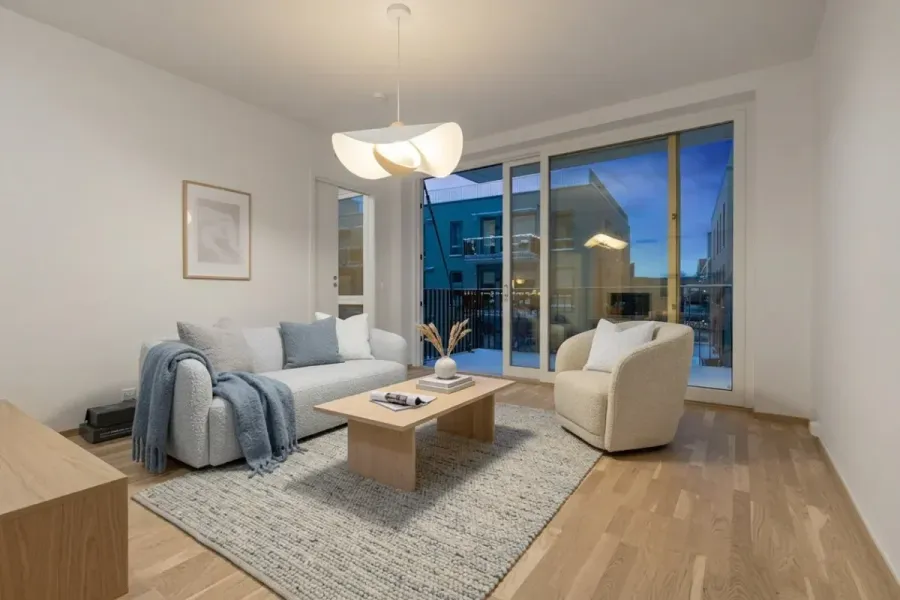
The Numbers Don't Lie: How Photos Sell Properties Faster
Hard data on how professional real estate photography and virtual staging impact sale prices, time on market, and buyer engagement. NAR 2025 statistics included.
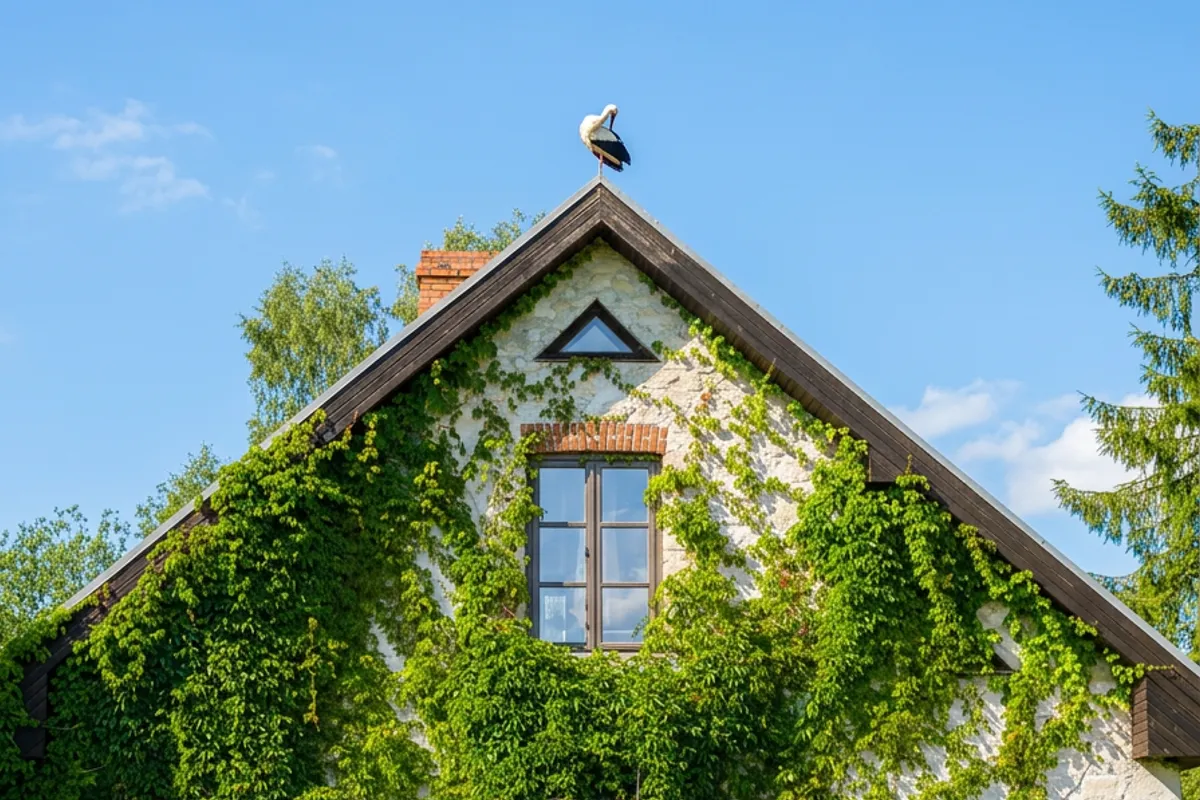
Exterior: Perfect Atmosphere for Property Photos
Transform property exterior photos with sky replacement, seasonal changes, and atmosphere presets - from grey overcast to golden hour in seconds.
Sharpen: Restore Detail and Clarity
Sharpen blurry real estate photos - restore detail, fix soft edges, and remove noise. Perfect for phone photos, cropped shots, and downloaded images.